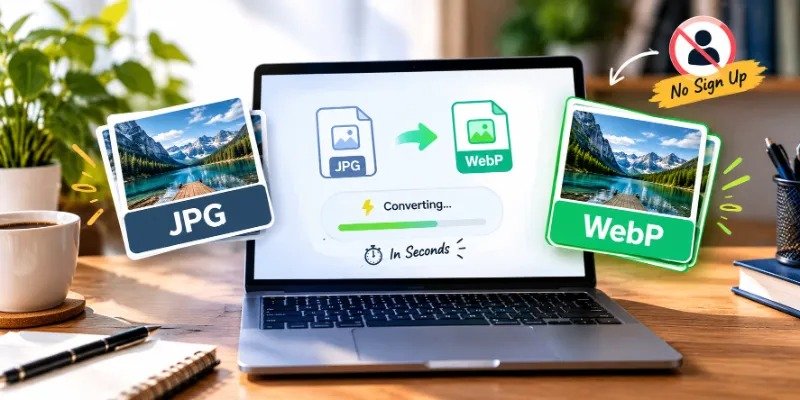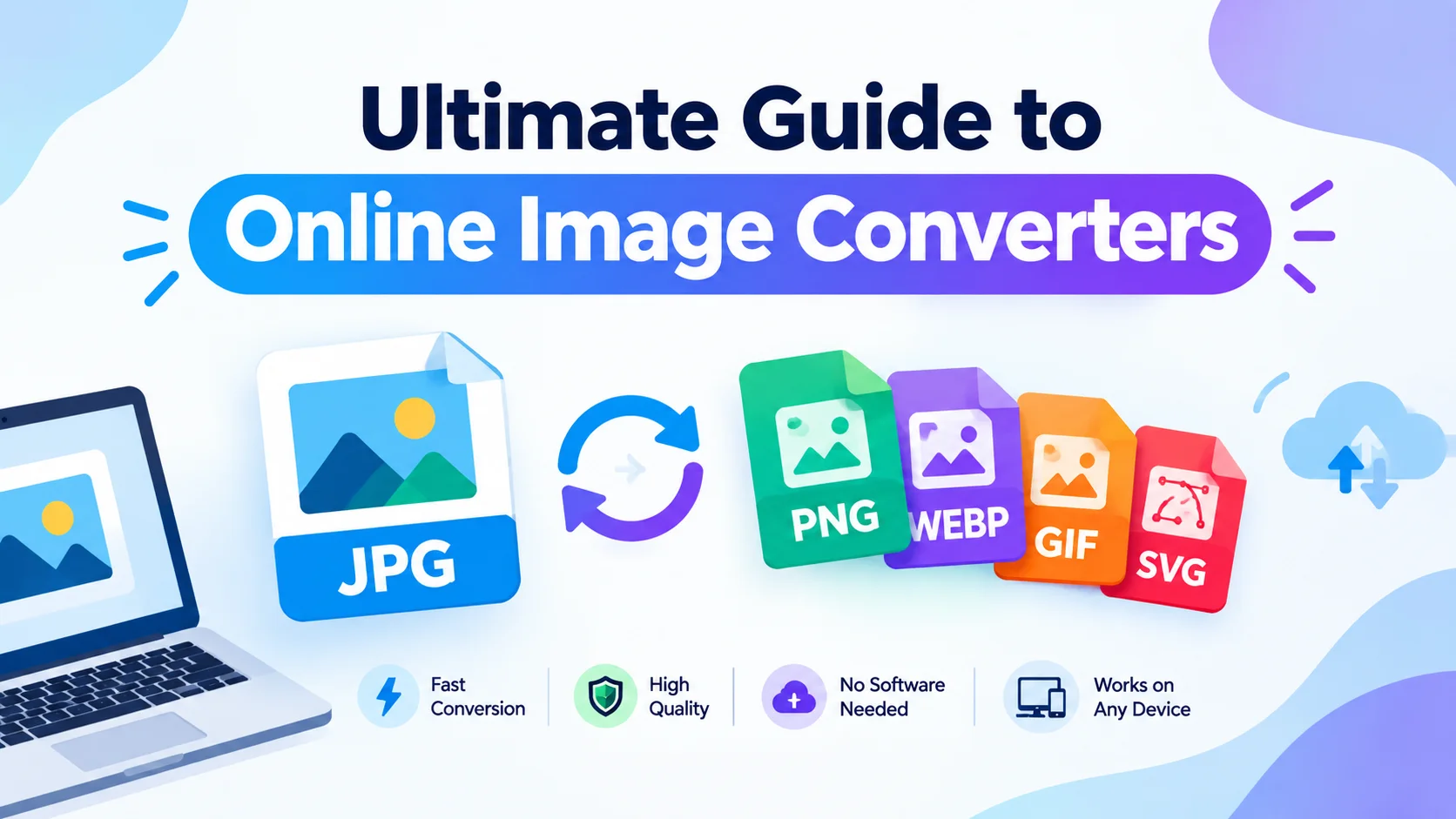
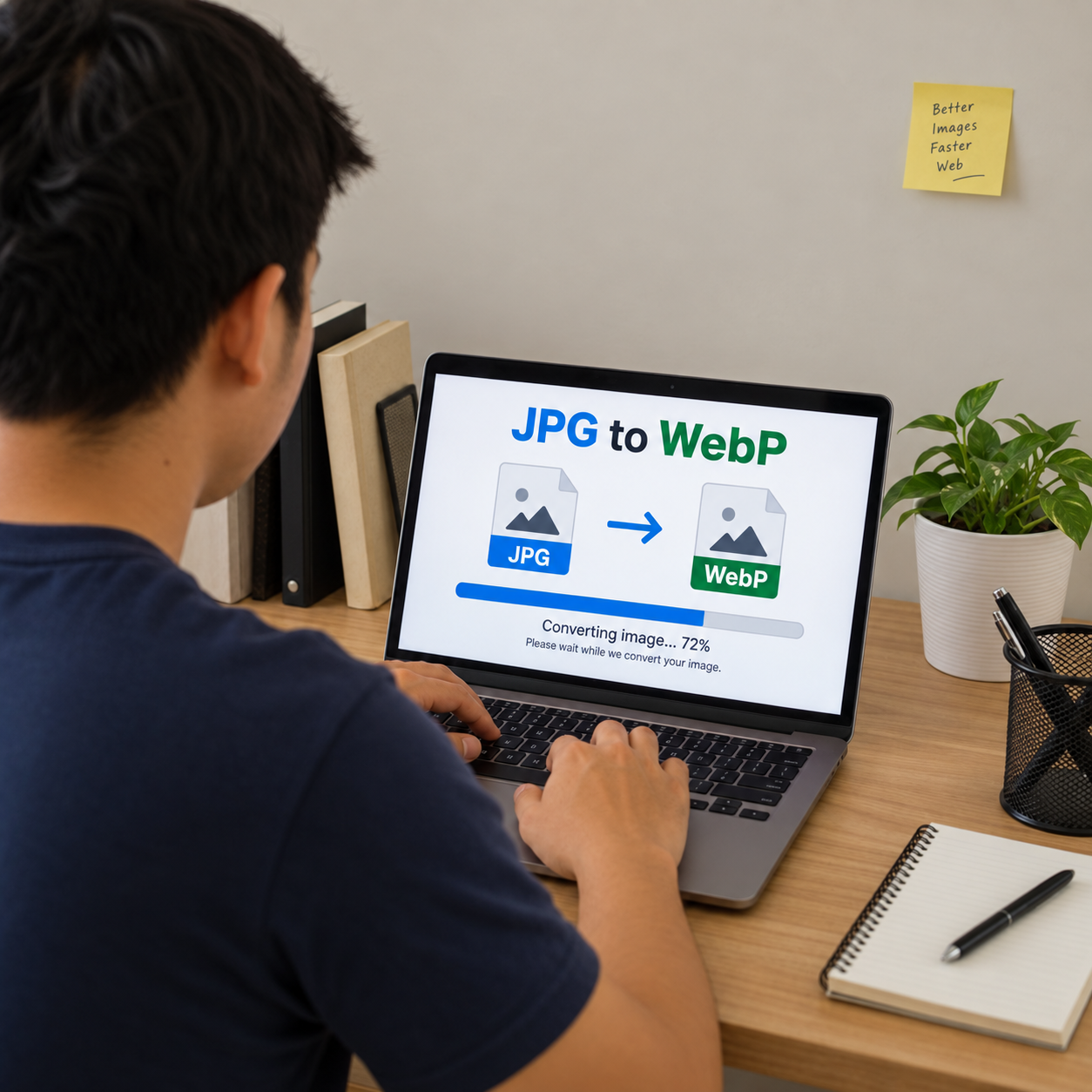
Convert heavy image files into lighter, web-ready formats without installing software or learning technical settings. This online image converter helps you turn JPG to WebP for faster pages, cleaner uploads, and easier file management, while also supporting practical format changes such as WebP to JPG when compatibility matters. Use it when you need a quick, free image converter that keeps your workflow simple from upload to download.
Need a faster way to convert JPG to WebP?
A JPG to WebP converter gives you a simple path from traditional image files to a modern format built for efficient web use. Instead of opening design software, exporting manually, and checking settings one by one, you can upload your image, choose the output format, and download the converted file in moments. It is especially useful when you manage website images, product photos, blog graphics, email visuals, or social media assets and need a dependable jpg to webp online workflow.
WebP is widely used because it can help reduce image file size while preserving good visual quality. That practical difference matters when your pages contain many photos, banners, thumbnails, or gallery images. Smaller image files can make a site feel lighter for visitors, and a quick image format converter helps you prepare those assets without slowing down your day.
Simple conversion without extra software
The best conversion experience feels almost invisible. You should not have to download a bulky app, create a complex project, or guess which export settings are safe. A browser-based online image converter keeps the process focused on the result: upload the file, convert it, and use it where you need it.
This makes the tool useful for both occasional and repeat tasks. A blogger can convert a handful of article images before publishing. A store owner can prepare product photos for faster-loading listings. A marketer can resize a campaign workflow by standardizing image formats before assets move into a landing page, ad builder, or content management system.
Use the converter for everyday image tasks such as:
- Turning JPG to WebP for website pages, blogs, and landing pages
- Converting WebP to JPG when a platform, client, or older system needs JPG files
- Preparing lighter image assets before uploading them to a website
- Standardizing mixed image folders into a preferred format
- Testing how an image looks after conversion before replacing the original
- Creating quick file versions without opening editing software
Built for clean, practical image workflows
Image conversion is often a small task inside a bigger project. You may be launching a new page, updating a portfolio, improving an ecommerce listing, or sending finished visuals to someone who needs a different format. A focused jpg to webp converter removes friction at that point in the workflow, so image preparation does not become the reason the project stalls.
The process is designed to stay clear and repeatable. You begin with the source file, select the format you need, and download the finished version. If you are optimizing a web page, you can keep your original JPGs safely stored while using the WebP versions on the live site. If you receive WebP files but need a more commonly accepted format for editing or sharing, the same tool can serve as a webp to jpg converter.
For best results, keep a simple naming system as you convert. For example, a product photo named blue-running-shoe.jpg can become blue-running-shoe.webp, making it easy to identify the optimized web version later. Small habits like this help prevent duplicate uploads, broken image paths, and confusion between original and converted files.
Benefits that matter on real projects
A free image converter should do more than change a file extension. It should help you move faster, reduce unnecessary steps, and prepare images in a format that fits the job. When the interface is straightforward, the tool becomes useful even for people who do not work with image files every day.
Key benefits include:
- Fast access from your browser: Start converting without installing desktop software or setting up a new editing environment.
- Flexible format support: Use one image format converter for common needs, including jpg to webp and webp to jpg.
- Website-friendly output: Prepare images for pages where file size, visual quality, and usability all matter.
- Simple repeatable steps: Convert one image or work through a small batch with a process that stays easy to follow.
- Better handoffs: Send clients, teammates, developers, or content editors files in the format they actually need.
- Cleaner asset management: Keep original images separate from optimized web versions so future edits remain simple.
These benefits are practical, not abstract. If you have a page that feels image-heavy, converting JPG files to WebP can be one of the first optimization steps to consider. If a recipient cannot open a WebP image in their preferred tool, converting it back to JPG can keep the work moving.

A straightforward tool for creators, teams, and site owners
The converter is useful for anyone who handles images but does not want image preparation to become a technical project. Designers can create quick alternate formats for handoff. Developers can prepare assets before adding them to a build. Content teams can optimize blog images before uploading them. Small business owners can convert photos for service pages, product pages, menus, galleries, and promotional pages.
It also helps when you inherit files in the wrong format. A client may send a set of JPG images that need to be lighter for a new website. A supplier may provide WebP files that you need to turn into JPG for a marketplace or internal system. Instead of asking for new files or recreating assets from scratch, an online image converter gives you a direct way to make the format fit the task.
How to convert your images
The conversion flow is intentionally simple so you can complete the task without second-guessing each step. You do not need design experience, coding knowledge, or a complex export preset.
- Upload your image file. Start with the JPG, WebP, or other supported image you want to convert.
- Choose the output format. Select WebP for web optimization or JPG when you need broader compatibility.
- Run the conversion. Let the tool create the new version using the selected format.
- Download your file. Save the converted image and use it in your website, project folder, content platform, or sharing workflow.
- Check the result. Preview the image before replacing the originals on an important page or campaign.
Before uploading converted images to a live site, compare the new file with the original. Look for sharp edges, text clarity, skin tones, product details, and any areas with gradients or shadows. If the image is central to a sale or sign-up decision, a quick visual check is worth the extra moment.
Start converting images online
When you need jpg to webp conversion, the right tool should be quick, clear, and easy to use from the first file. Whether you are optimizing a landing page, preparing blog images, converting product photos, or changing WebP files back to JPG, this free image converter helps you finish the job without unnecessary steps.
Upload your image, choose your format, and download the converted file. Start with one image now, then use the same simple workflow whenever you need an online image converter for everyday web and content work.