JPG has been a common image format for years. But modern sites need images that look good and load fast. WebP helps with that, which is why many teams now use it for web images.
If you need a jpg to webp converter and do not want to install software or create an account, an online tool can make the job quick and easy.
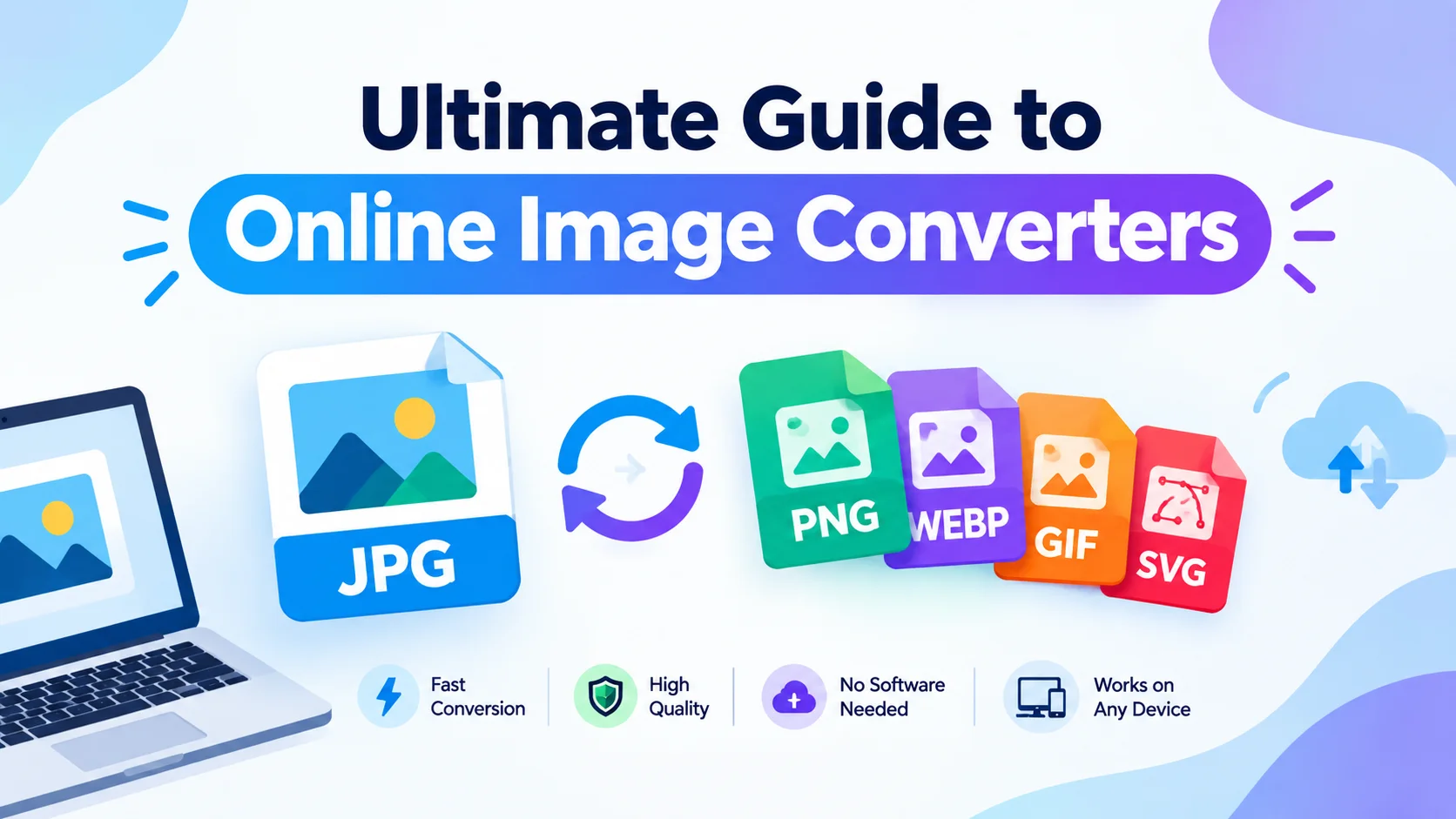
In this guide, you’ll learn how to convert JPG to WebP online, why WebP can help, how to convert multiple JPG files, and how to convert JPG to WebP without losing quality when the source file allows it.
Why Convert JPG to WebP?
WebP is built for efficient web delivery. It supports both lossy and lossless compression. In many cases, a WebP file can be smaller than the same image saved as JPG.
When you use a jpg to webp converter, you can:
- Reduce image file size
- Prepare images for modern websites
- Improve image delivery
- Keep useful visual quality
- Optimize blog and store images
- Turn old JPG collections into web-friendly files
Image format is only one part of site speed. Image size, caching, lazy loading, hosting, and other page assets also affect loading time.
JPG vs WebP: What’s the Difference?
Both JPG and WebP work well for photos and detailed images, but they are not the same.
| Feature | JPG | WebP |
|---|---|---|
| Compression | Mainly lossy | Lossy and lossless |
| Transparency | Not supported | Supported |
| Web use | Widely supported | Built for the web |
| File size | Varies | Often smaller |
| Common use | Photos and general images | Websites and web content |
JPG is still useful and widely supported. WebP gives you another option when efficient image delivery matters.
How to Convert JPG to WebP Online
You do not need Photoshop or desktop software for a basic format change. With this browser-based jpg to webp converter, you can convert JPG to WebP online in a few simple steps.
1. Select Your JPG Images
Open the tool and choose the JPG or JPEG files you want to convert. You can pick one image or many at once.
2. Start the Conversion
Start the conversion after you select your files. The process runs in your browser, so there is no software to install.
3. Download Your WebP Files
When the conversion is done, download the WebP files and use them on your site, blog, online store, or any supported platform.
The process is simple: Select → Convert → Download.
Can You Convert JPG to WebP Without Signing Up?
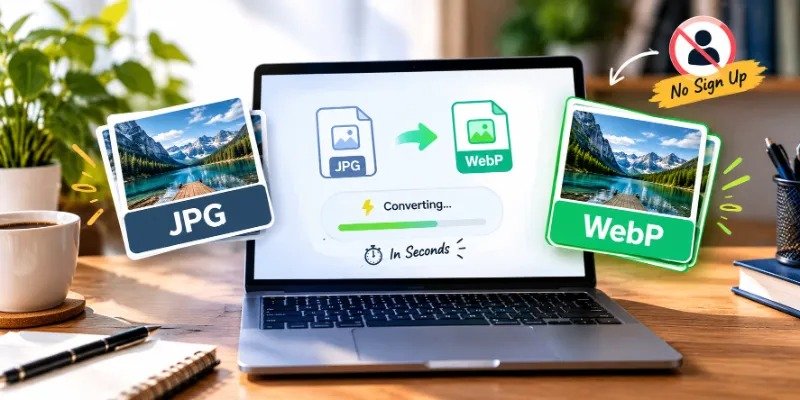
Yes. The site does not require an account or registration before you use the converter.
You can open the tool, choose your images, convert them, and download the results without signing up. That makes it a fast option when you need a quick conversion.
Can You Convert Multiple JPG Files to WebP?
Yes. You can convert multiple JPG images to WebP in one batch instead of processing each image one by one.
This is useful for:
- Website image libraries
- Blog images
- Product photos
- Gallery images
- Thumbnail collections
Keep in mind that large images or large batches can use more memory in your browser and device. Conversion time may vary based on your hardware, browser, and file size.
Can You Convert JPG to WebP Without Losing Quality?
Image quality is one of the main concerns when you convert JPG to WebP.
WebP supports both lossy and lossless compression, so the result depends on the source image and the settings you choose. Converting a file does not always mean it will look worse, but there is also no guarantee that every file will stay perfectly identical.
If you want to convert JPG to WebP without losing quality, compare the output with the original. Check fine details, text, edges, and photos to make sure the result works for you.
The goal is a practical balance between visual quality and file size, not the smallest file possible.
How Much Smaller Is WebP Than JPG?
There is no fixed percentage for every image.
The final file size depends on:
- Original JPG compression
- Image dimensions
- Image content and detail
- Compression method
- Conversion settings
Instead of guessing, compare the original JPG size with the new WebP file to see the real difference for your image.
Does WebP Make a Website Faster?
WebP can help when the new file is smaller than the original. Smaller files usually need less data to download.
Even so, converting images to WebP alone does not guarantee a faster site. Other factors, including image size, responsive images, lazy loading, caching, hosting, CSS, and JavaScript, also matter.
Think of WebP conversion as one part of a wider image optimization plan.
Don’t Just Rename JPG to WebP
Changing a file name from
image.jpg → image.webp
does not convert the image.
The extension is only a label. Real conversion changes the image data so it is encoded as WebP. If you only rename the file, you may end up with a JPEG that is mislabeled as WebP.
Use a true converter whenever you need a real WebP file.
Why Use an Online JPG to WebP Converter?
A browser tool can be easier than installing dedicated image software.
With JPGtoWebPConverter.com, you can:
- Convert JPG and JPEG files to WebP
- Use the jpg to webp converter for free
- Convert multiple JPG files
- Work directly in your browser
- Convert JPG to WebP without signing up
- Avoid installing conversion software
- Download your converted WebP files
- Use the tool on supported desktop and mobile browsers
The conversion happens in your browser, so your selected images do not need to be uploaded to a remote conversion server.
Convert JPG to WebP Without the Hassle
Converting JPG images to WebP does not need complicated software or an account. With JPG to WebP Converter, you can select one or more JPG or JPEG files, convert them in your browser, and download the WebP files.
Whether you are optimizing website images, preparing blog graphics, or converting product photos, the process takes only a few steps.
Select your JPG images, convert them to WebP, and download your files without signing up.